

Copy Multiple Links Simultaneously
Method 1:
This extension permits you to duplicate multiple web links at once when utilizing Chrome or Firefox as a web browser.Step 1
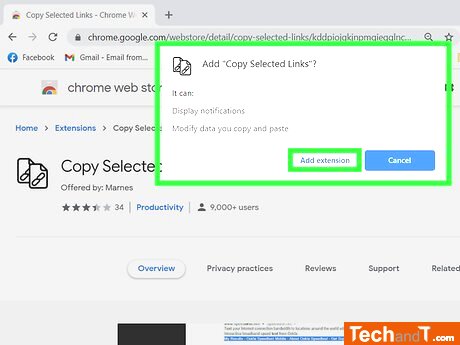
To use Copy Selected Links, select some text on a web page that contains links and press the Copy Selected Links button in your browser's address bar. This will copy the selected links from the text to your clipboard.
Step 2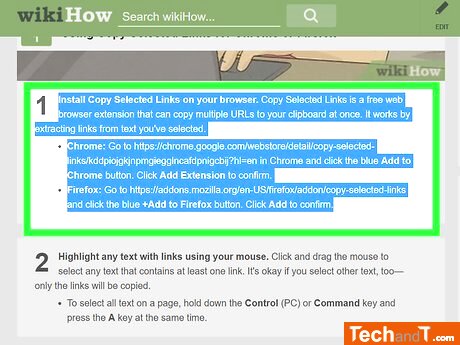
Use the mouse to select any text containing a link. Click and hold down the mouse button, then drag the mouse cursor over the text. You don't need to worry if there is other text included in the selection because only the links are going to be copied. Alternatively, you can press the Control (PC) or Command key, as well as the letter A on your keyboard, to select all text on the page.
Step 3
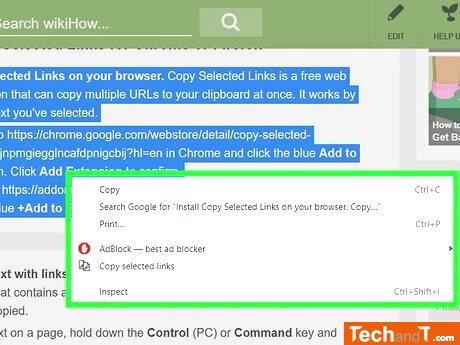
To get more options, click the highlighted text with the right mouse button to open a menu.
Step 4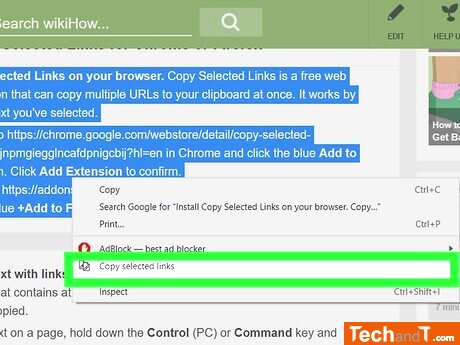
By selecting 'Copy Selected Links' from the menu, only the URLs from your chosen text will be added to your clipboard.
Step 5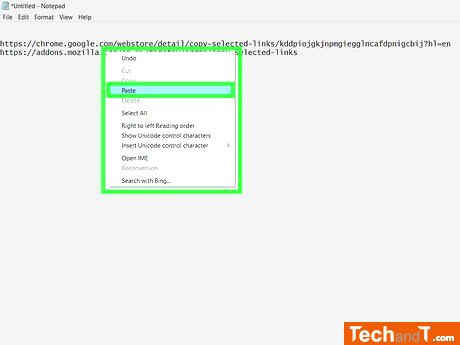
After copying the URLs, you can insert them into a text document or other typing area by right-clicking and selecting Paste.
Book a service online
Method 2:
This extension enables you to quickly and easily copy multiple links at once in Chrome and Firefox browsers.Step 1
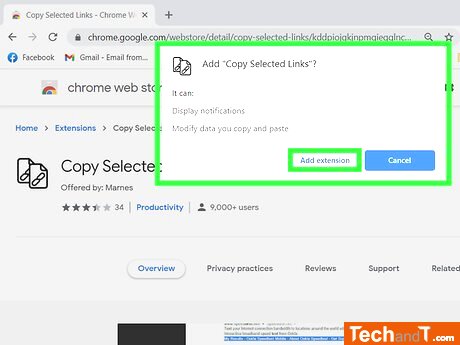
Install Copy Selected Links on your chosen browser to be able to copy multiple URLs at once to your clipboard. It will locate and extract links from text which you have selected.
Step 2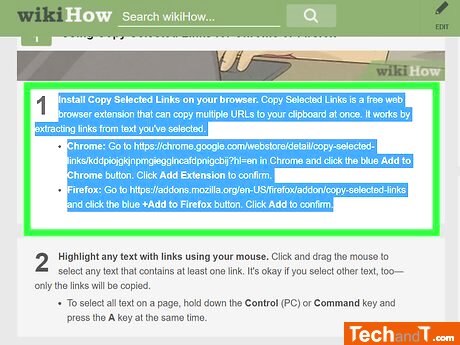
Using your mouse, select any text that has links in it by clicking and dragging. It is okay if extra non-linked text is highlighted as well, only the connected text will be copied. To choose all the text on a page, press the Control (PC) or Command key plus the A key together on the keyboard.
Step 3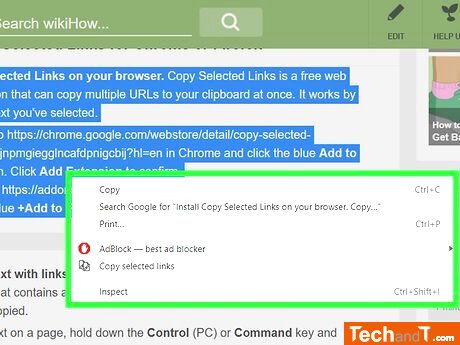
By clicking the right mouse button on a highlighted section of text, a list of options will appear.
Step 4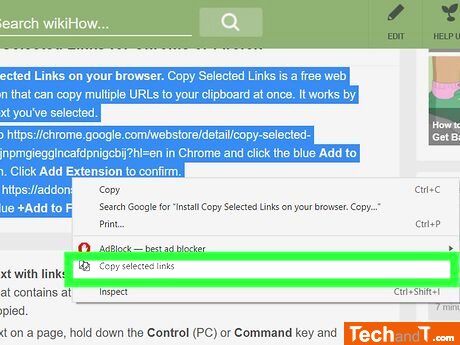
To copy URLs from chosen text, select the 'Copy Selected Links' button on the menu and they will be saved to your clipboard.
Step 5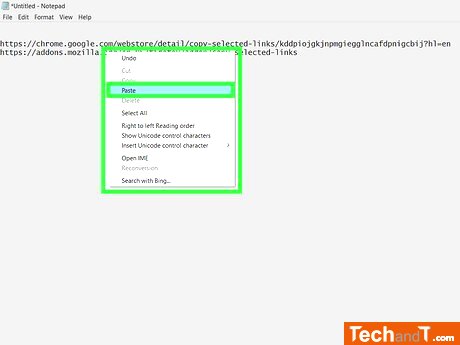
After copying the URLs, you can place them in a text file or elsewhere by right-clicking and selecting Paste.
TimeScale:
Approx. Time Required: 10 Minutes