

Use MEGA for Cloud Storage
Method 1:
Establishing an account Setting up a profileStep 1
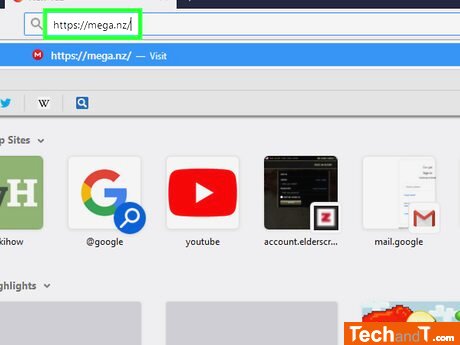
To access the MEGA website, visit https://mega.nz/ in your internet browser.
Step 2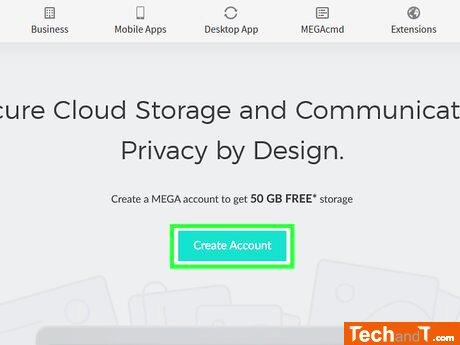
To make an account, click on the red button in the middle of the page - this will bring you to the account creation page.
Book a service online
Step 3
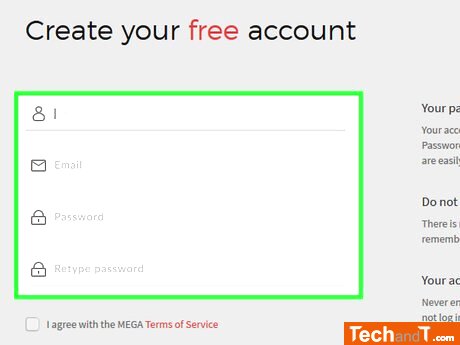
Enter your account information into the indicated text boxes. First Name and Last Name — Insert your first and last name. E-Mail — Input a functioning email address to which you can access. Password — Compose a secure password. Retype Password — Rewrite the password to verify that the two written passwords match.
Step 4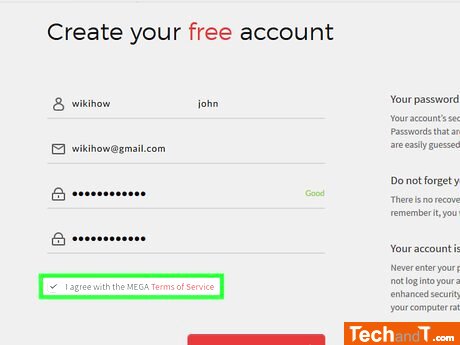
Tick the checkbox next to I agree with the MEGA Terms of Service which is located at the bottom of the page.
Step 5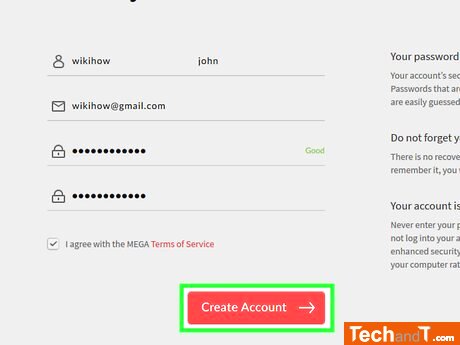
Press Create Account, which is located at the bottom of the page. This will start the set-up of your MEGA profile.
Step 6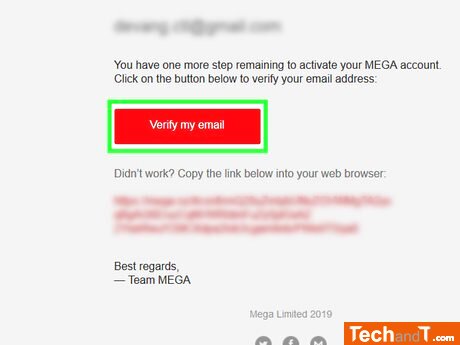
In order to gain access to your MEGA account, first you must confirm your email address by performing the following steps: Open the account corresponding to the email address you entered in the E-Mail field, and log in if necessary. Select the MEGA email titled: Email Verification Required. Click the red Verify my email button located within the body of the email.
Step 7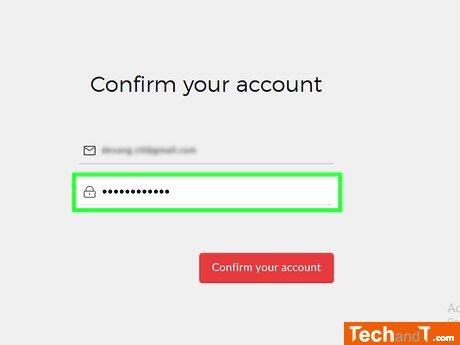
In the center of the page, there is a box labeled Password. Type in the specific password for your MEGA account in this text box.
Step 8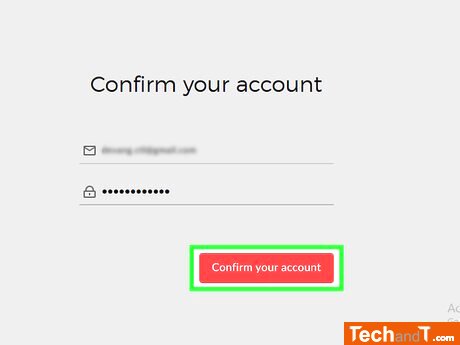
Press the red Confirm your account button located underneath the Password box. Upon doing so, you will be redirected to the account package selection page.
Step 9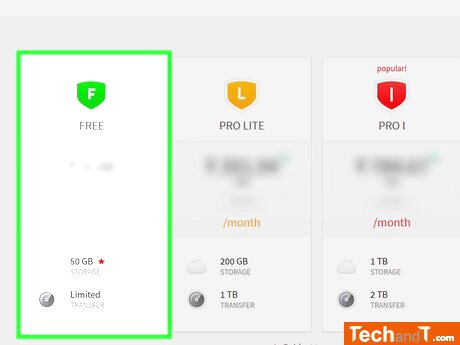
Press the FREE option on the left side of the page. This will activate the free MEGA package and take you to your MEGA storage page where you can create folders and upload files.
TimeScale:
Approx. Time Required: 18 Minutes