

Protect Your Webcam from Hackers
Method 1:
Ensuring the safety of your computer system Making sure your computer remains secureStep 1
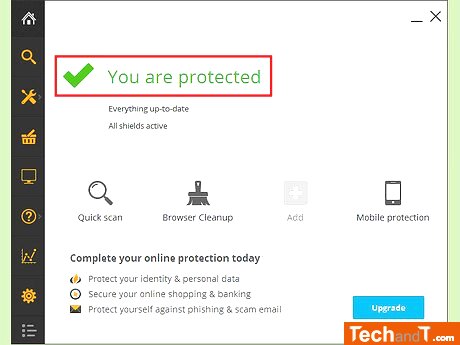
Installing and regularly updating antivirus software is your best defense against viruses and hackers who might try to access your webcam. This software will recognize malicious programs and alert you to their presence, making it possible for you to remove the virus or malware before it can do any damage.
Step 2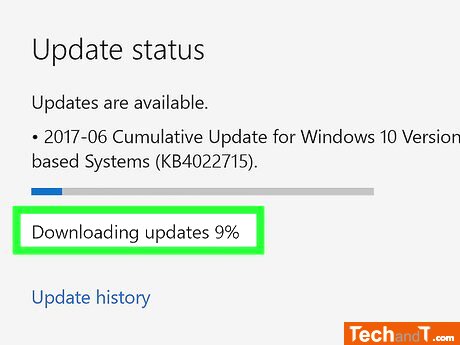
However, if a program requires you to manually update it, then don't ignore it. Taking the time to upgrade your computer's software will protect your webcam from hackers who could use possible security vulnerabilities.
Book a service online
Step 3
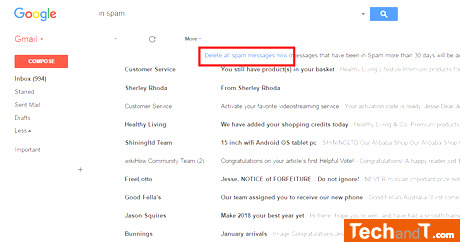
Stay away from downloading any unfamiliar files. Keep away from programs that you spot in online adverts, and do not open any email attachments that were unexpected.
Step 4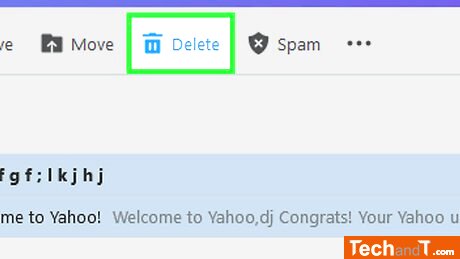
Instead, you should delete the email and run a full antivirus scan to keep your computer safe. Furthermore, do not be tempted to give in to the hacker's demand — there is a good chance that the email is a scam and they are only trying to scare you into paying them money.
TimeScale:
Approx. Time Required: 8 Minutes