

Secure Your Google Account from Hackers
Method 1:
Securing Your Password Protecting your password is important to help keep your information safe. Make sure to choose a strong password that isn't easy to guess, frequently change your password, and keep your login credentials private.Step 1
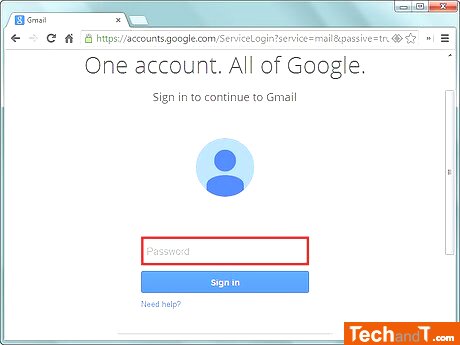
Avoid creating a password which is easy to guess, for example, do not use your name, birthdate, the name of your pet or children, your address, or other personal information.
Step 2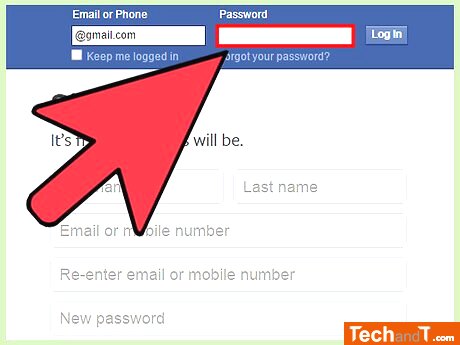
Avoid reusing your Google password for any other online sites. Establish a separate password for all the different sites you visit. Don't just rely on changing a few characters of your one password for each website. If you are a Google Chrome user, we suggest you install Password Alert extension. It sends you an alert when you enter your Google password on a non-Google site. The steps to install it are straightforward; you need to simply download it from the Chrome store and then follow the instructions available.
Book a service online
Step 3
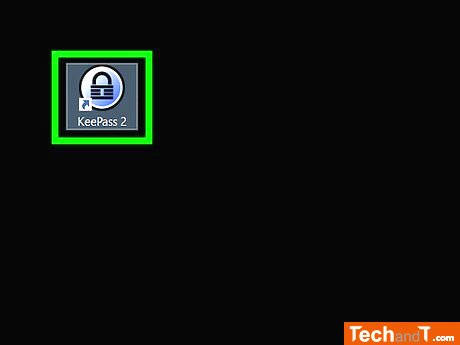
Considering having a password manager might help if you are creating many accounts and have difficulty remembering them all. There are several great options like 1Password, LastPass, and KeePass that use encryption to offers a secure storage for passwords. Some computer systems natively contain a password manager, for example Mac users can access Keychain for free. Failing this, you can come up with a passphrase such as I like big butts and I cannot lie!, that can be changed into iLbBaIcL!
Step 4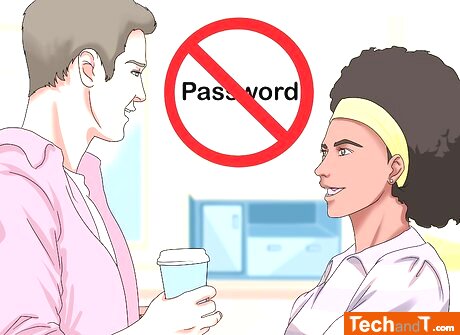
Make sure not to give your Google password to anyone, even people close to you such as family and friends. Giving out your password could lead to it being shared with undesired people, so keep it to yourself.
Step 5
Never log in to your account if you are using an unknown or untrusted computer. Cyber criminals frequently install keystroke-tracking software on computers that track and store each keystroke, including passwords. If it's impossible to avoid typing your password into an unfamiliar PC, be sure to reset it once you're back on a device that is trusted.
TimeScale:
Approx. Time Required: 10 Minutes