

Post Photos Online
Method 1:
Posting photos on Flickr is a great way to share and store images with family and friends. Sharing and preserving memories through Flickr can be a wonderful experience, allowing you to connect with people close to you by posting photos.Step 1

For mobile users, launch the Flickr app by tapping the app icon. If you're using a desktop, go to the Flickr website at https://www.flickr.com/. Login to your Flickr account with your email address and password if you haven't already logged in.
Step 2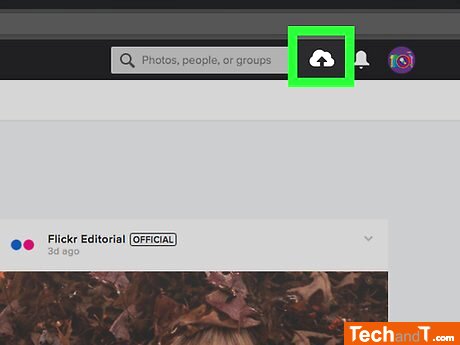
To upload, desktop users should click the upward-facing arrow on the upper-right side of the page, followed by selecting ‘Choose photos and videos.’ Smartphone users should tap the camera-shaped icon at the bottom of the screen and then tap the set of boxes on the lower-left side.
Book a service online
Step 3
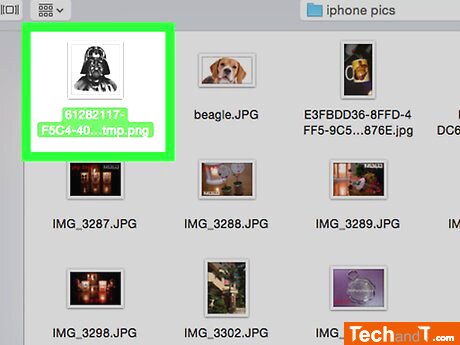
When you're done, tap Done in the top right corner.
Step 4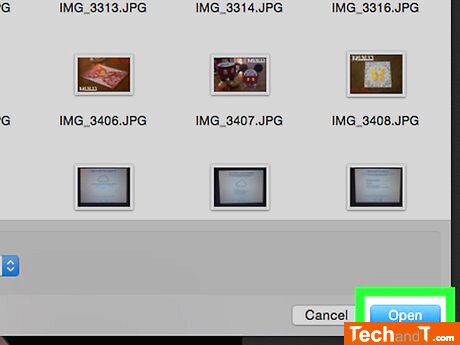
To finalize your decision, click Open (on desktop) or press Next twice (on mobile).
Step 5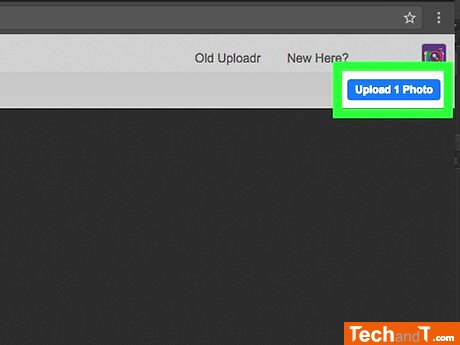
To upload the photo or photos, click the Upload 1 Photo (or Upload # Photos) box on the top-right side of the page, then press Upload (on desktop) or tap Post (on mobile). This will then add the image or images you've selected to Flickr.
TimeScale:
Approx. Time Required: 10 Minutes