

Remove Recent Searches
Method 1:
Erasing Google Search HistoryStep 1
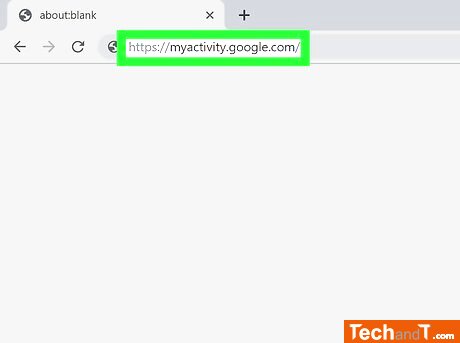
Go to the website https://myactivity.google.com on a web browser to access your Google activity, which includes your Google searches, and services like YouTube, Google Assistant, and the Google Play Store. You may need to sign in to your Google account by clicking Sign In on the upper-right corner, selecting your account, then entering your password and clicking Next. If you cannot see your account, click 'Use another account' to sign in using the email address and password associated with your Google account and clicking Next. You may delete your search history without signing in by clearing your browser history, which can be done on Google Chrome, Internet Explorer, Firefox, or Safari.
Step 2
At the top of the page, beneath the search bar, there is a button called 'Click + Filter by Date & Product' that can be selected.
Book a service online
Step 3
To choose a time frame, use the drop-down menu at the top of the page. You can pick from Today, Yesterday, Last 7 Days, Last 30 Days, All Time, or Custom. The Custom option grants access to the two calendar menus underneath, allowing you to set a start and an end date. To do this, click the calendar icon to the left in order to specify the starting date and the calendar icon to the right to specify the ending date.
Step 4
Locate the Search tab, which will appear highlighted in blue, in the list of products below Filter by Google Product at the bottom of the window. In addition, you can choose other available products such as Video Search, Image Search, Assistant, etc.
Step 5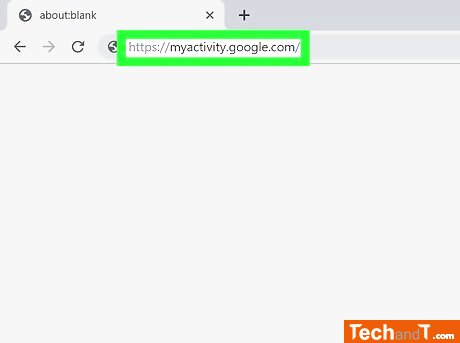
Press the Apply button located at the bottom right of the window to view the searches performed during the chosen time frame.
Step 6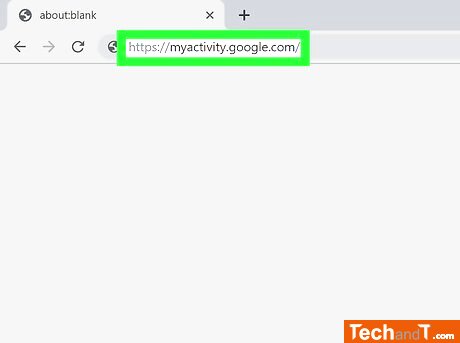
To the right of the search bar at the top of the page is an ⋮ icon containing three vertical dots. Selecting it will bring up a drop-down menu.
Step 7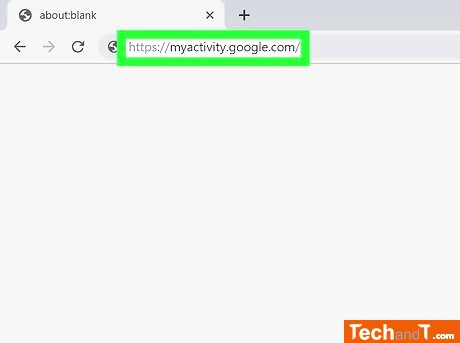
To delete results, you can click the menu that appears when you click the ⋮ icon next to the search bar at the top of the page and select Delete Results, or click the Delete icon next to an individual search item, or click the trashcan icon next to a specific date in the list of searches.
Step 8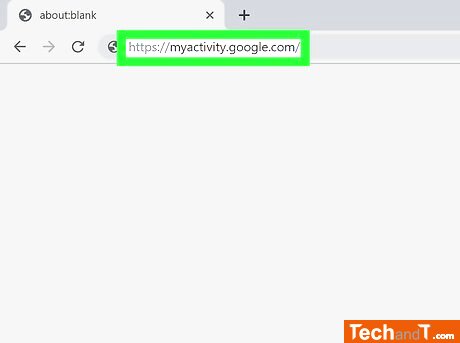
Net, etc. To delete the selected time period search items, click on the Delete button located in the bottom-right corner of the pop-up alert. Additionally, this action can be applied to other services such as Alexa, Skype, Yahoo, Pinterest, .Net, etc.
TimeScale:
Approx. Time Required: 16 Minutes