
Power Your Desktop with DC Supply
Method 1:
An Inverter is a piece of equipment which changes direct current (DC) to alternating current (AC).Step 1
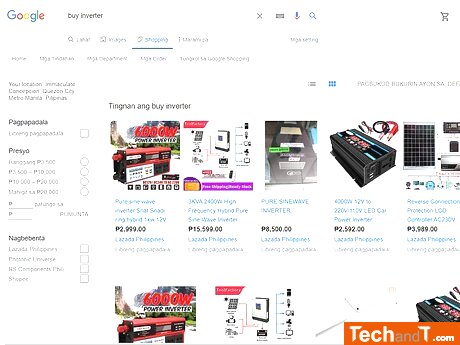
Before purchasing, look into the voltage compatibility of your device, as different parts of the world typically use 110v or 120v (North America) or 220v, 230v, or 240v (elsewhere). An inverter that is capable of producing the required DC current can convert the battery's power into something that your computer can utilise.
Step 2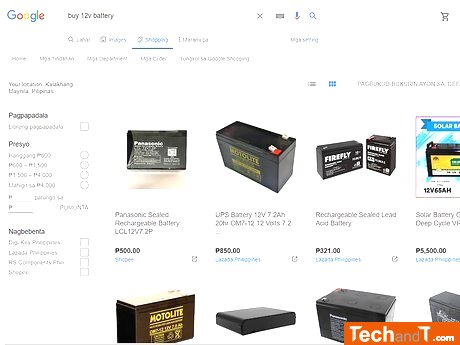
for a 12 volt battery. It is important to make sure the battery selected is compatible with your inverter, so double-check the specs and make sure the battery outputs DC power at 12 volts.
Book a service online
Step 3
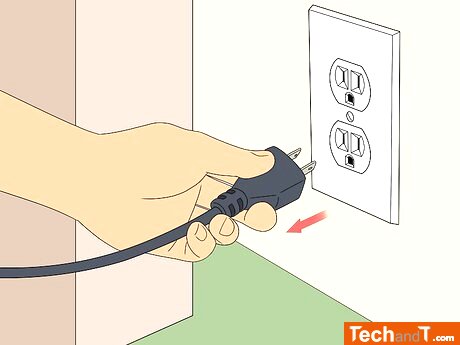
Disconnect your desktop computer from its power source. Make sure you unplug the power cable from the AC outlet if it is connected.
Step 4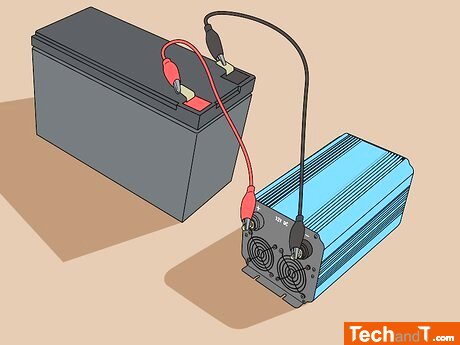
Once you have read the instructions, attach the corresponding colored wires from the inverter to the same colored clips on the battery, being careful to not touch any of the exposed metal parts.
Step 5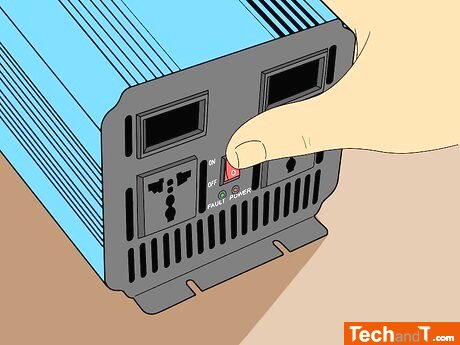
To start the inverter, press its Power button. To protect your computer from damage, ensure the inverter is turned on before connecting it.
Step 6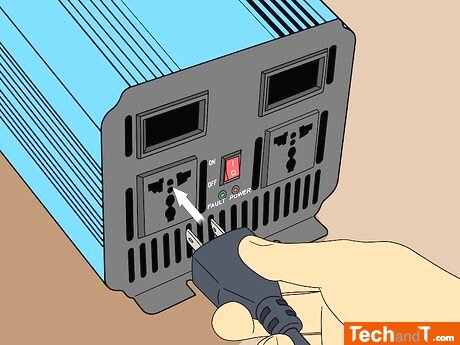
Connect your computer to the converter. The ports where the converter distributes power are usually located on the opposite side of where the 12-volt battery was connected.
Step 7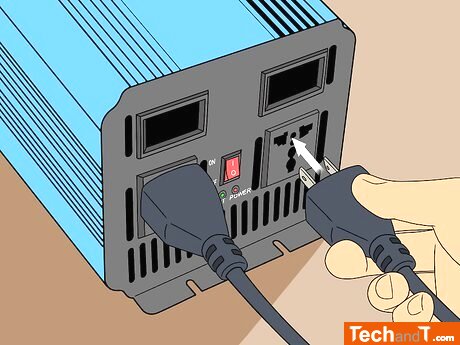
If you don't wish to provide your desktop monitor with AC power, you'll have to connect its power cable to the inverter. The same rules apply to attaching any other elements such as speakers to the inverter.
Step 8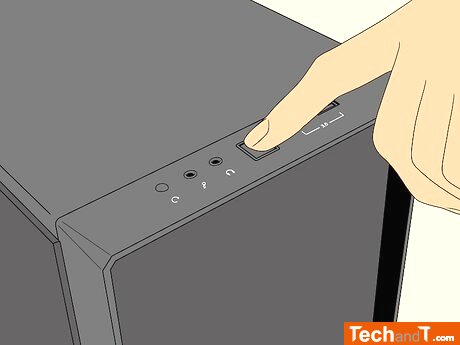
Start up your desktop. After this, you should be able to run your computer via the connected battery and inverter. Be aware that to increase the battery power, it is advised to avoid intense tasks (e.g. video editing, gaming, etc.).
TimeScale:
Approx. Time Required: 16 Minutes