

Reinstall Wireless Driver Software
Method 1:
Obtaining a copy of the Driver by downloading it from the internet.Step 1
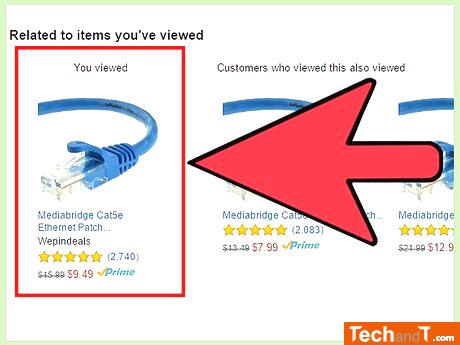
If you can't access the Internet through Wi-Fi, you can connect your computer to the Internet via Ethernet. Connect the LAN port of your computer to the LAN port of your router with a cable and get online. If you're having network issues with your Mac, review the instructions on How to Fix Common Computer Network Issues for Mac.
Step 2
By pressing the ⊞ Win+S keys on your keyboard at the same time, you will be able to open the search box. To figure out which driver is most suitable for your wireless card, you must identify the wireless card name. This can be done through the Device Manager.
Book a service online
Step 3
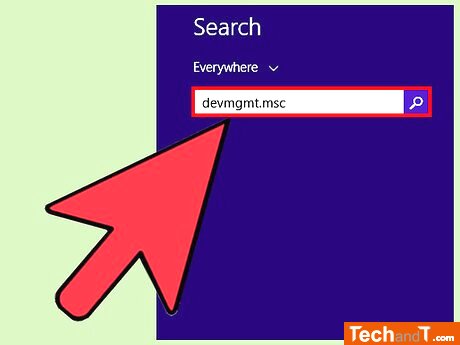
To open the Device Manager, type devmgmt.msc in the search box, and then press Enter. The Manager should then be visible on your screen.
Step 4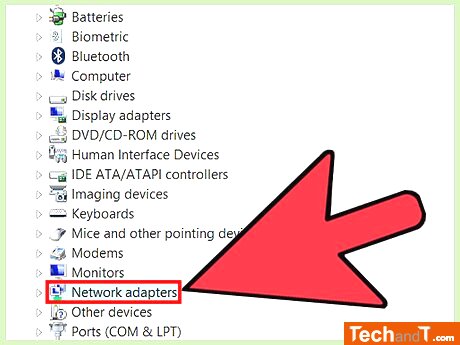
[1] Navigate to the Network Adapters in the list of devices to see a list of all available network adapters on the computer. Look for one that has the description of Wireless. If you can't find one, right-click each driver and investigate their properties. The wireless card should state its type as Wireless Card.
Step 5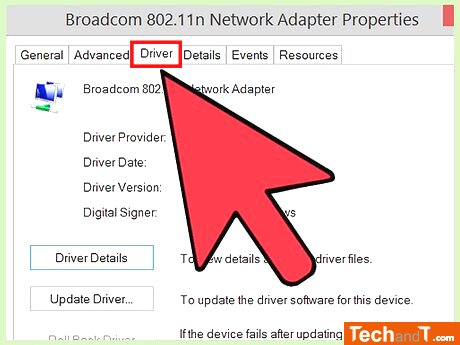
Go to the Driver section.
Step 6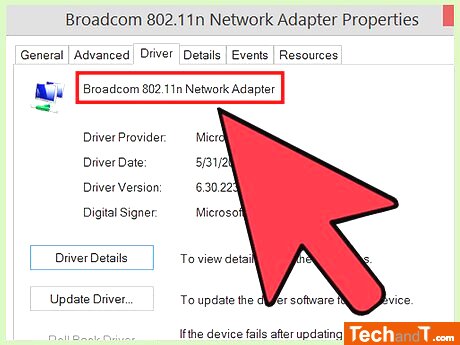
To find out the exact version on a Driver tab, locate the name at the very top.
Step 7
From there you’ll access various troubleshooting information, resources, and downloads available to help you install the proper drivers for your device. Go to the Support area of the brand that created your wireless card. Here, you will discover links to downloading the relevant driver for your item. For instance, if your card was manufactured by Intel, go to www.intel.com and hit Support. This will give you access to diverse troubleshooting details, resources and downloads to assist you in getting the correct driver for your device.
Step 8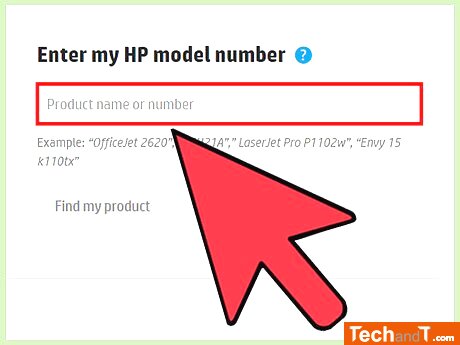
Look for the name you copied down previously for your wireless card. Once you've located it, select the link to be taken to the product page.
Step 9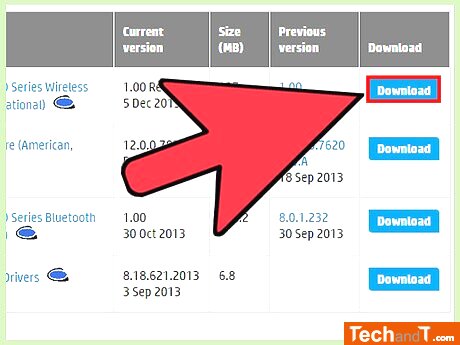
Click on the file you downloaded and follow the instructions to install the drivers for your version of Windows. You might have to click a link labelled Download, Software, or Drivers in order to locate the download.
TimeScale:
Approx. Time Required: 18 Minutes