

Wise Internet Usage Tips
Method 1:
Staying in Touch with Loved OnesStep 1
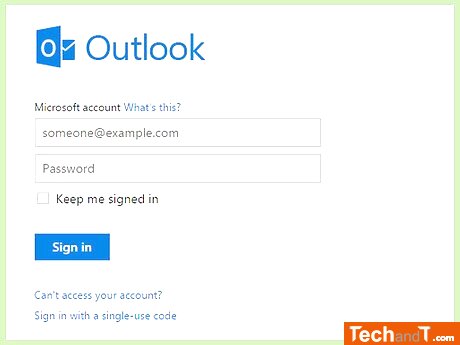
To get emails, you must first sign up with an email service provider such as GMail or Outlook.com. Your email address will not look like a street address and will be formatted like [email protected]; so, if your name is John Doe, your address could be [email protected] or [email protected]. Once you have an address, you can use email in many of the same ways you use regular mail. To access your emails, you will have to go to the website of the service you signed up with.
Step 2
Utilize social media to share, connect, and communicate with other individuals. Different types of platforms include Facebook (exchanging messages, sharing photos and videos), Twitter (posting short updates about your life), Instagram (sharing images), and Pinterest (pinning items from the web).
Book a service online
Step 3

Blogs offer a great way to read and write online diaries or journals. They usually contain written text, pictures, and sometimes videos. Anything from everyday topics to current events can be discussed on a blog. This has even started to replace certain aspects of newspapers in terms of what they provide.
Step 4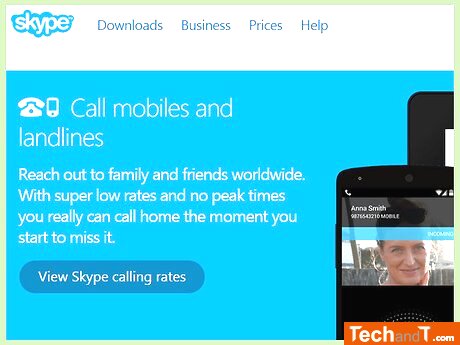
Communicate remotely! With the aid of the web, one can converse face-to-face or using just their voice with individuals they are familiar with (or even those they are not). Services such as Skype are frequently included at no cost or for a minimal fee. Also, instant messaging services, such as AOL's AIM, permit one to text chat.
Step 5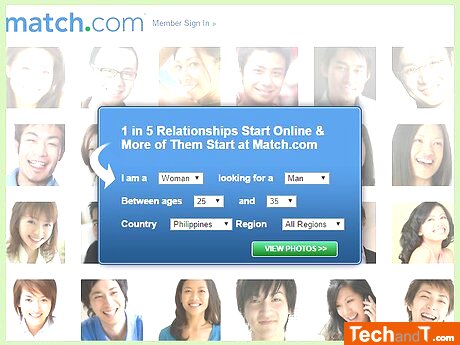
Additionally, you can find completely free versions of popular sites, such as Meetme, which allow you to access a wide selection of potential matches. No matter which option you choose, dating online can help you find someone that is compatible to you!
TimeScale:
Approx. Time Required: 10 Minutes