

Create YouTube Community Post
Method 1:
Browsing the internet on a computer Accessing the web with a desktop computerStep 1
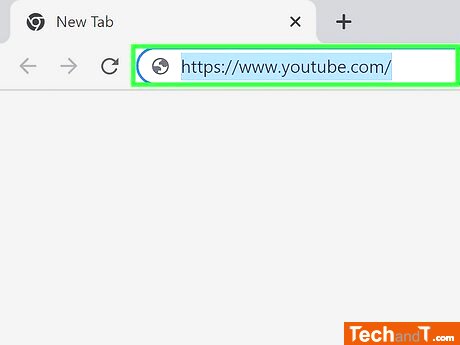
To sign into the YouTube website, open your web browser and click the profile icon in the top-right corner, then select 'Sign in'.[1]
Step 2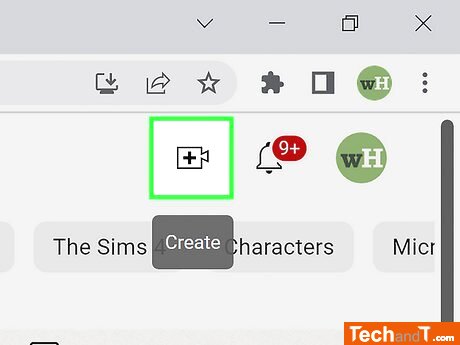
To use the Create feature, click the icon in the upper-right corner that is shaped like a camera with a plus symbol on it. This will bring up a drop-down menu.
Book a service online
Step 3
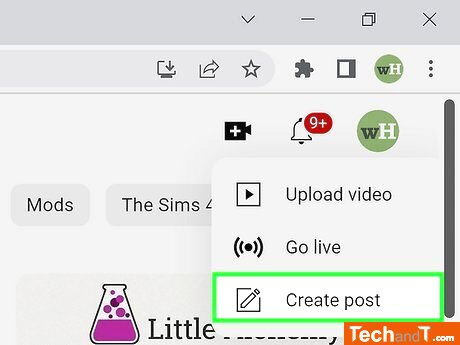
To make a post, click Create post or by heading to your channel page and selecting the Community tab.
Step 4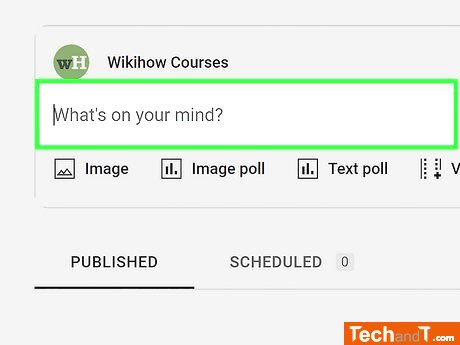
Post a picture, video, poll, or text message to your social platform. Select the desired option, then upload the relevant material or add the information for the poll.
Step 5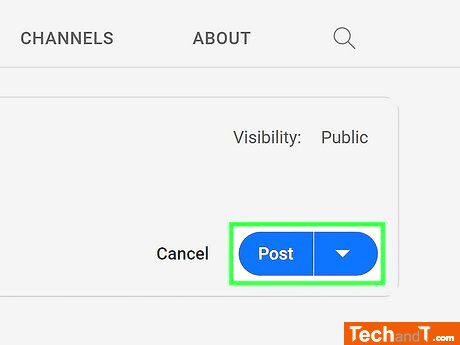
If you wish to delay its publishing, choose the 'Schedule Post' option located in the bottom-right corner of the post field. You can then select the date, time, and time zone to post it. Lastly, click 'Schedule' and your post will be saved until your chosen date.
TimeScale:
Approx. Time Required: 10 Minutes