

Explore Lost Websites
Method 1:
The Wayback Machine is a tool which allows users to access archived web pages.Step 1
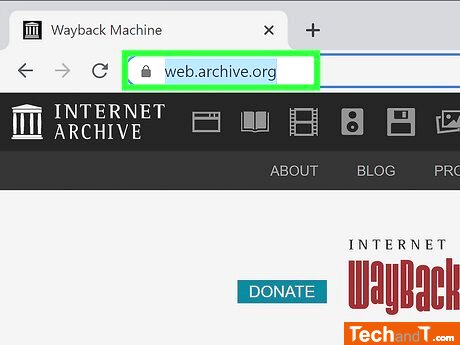
Browse to https://web.archive.org/ using your web browser. The Wayback Machine is popular for archiving past website versions, and anyone can search through its archives. You can begin right away by accessing the given URL.
Step 2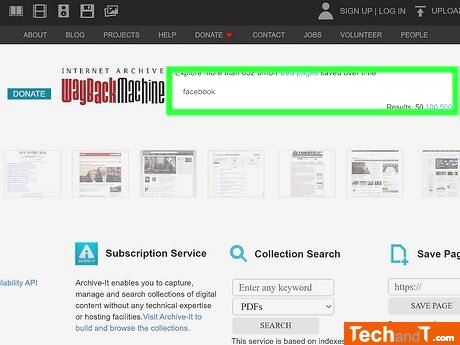
To find a particular site on the Wayback Machine, you can use the search bar at the top of the page. Just type in the specific URL or a few keywords related to the page you want. When using keyword searches, note that the Wayback Machine does not offer the same results as Google or Bing, so it may be best to search for specific URLs. If you're looking for something more general, you could perform a Google search with the keyword site:https://web.archive.org/.
Book a service online
Step 3
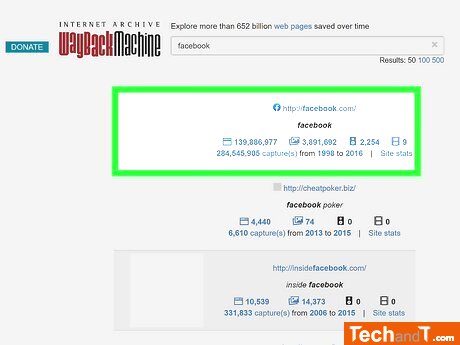
Based on what you're looking for, the Wayback Machine will generate various sites. Go ahead and select one to keep on exploring.
Step 4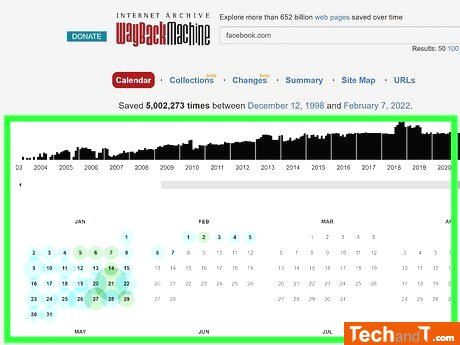
Move your cursor along the bar graph at the top of your screen to view the different years. Select one to find out what the website looked like at that point in time.
TimeScale:
Approx. Time Required: 8 Minutes