

Search and Discover by Image Effortlessly
Method 1:
Searching for pictures with Google Images Looking for images through Google ImagesStep 1
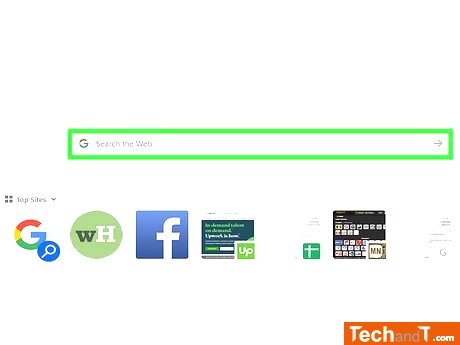
Rather than using words, you can search with an image itself on Google. This allows you to find similar images online, as well as providing info on the source origin of the original picture. To utilise this feature, either save the image to your computer or copy the image's address. If you're using a mobile device, simply click on the image to copy the address.
Step 2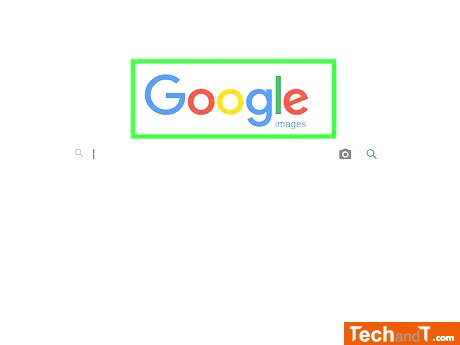
To view Google Images, go to images.google.com in a web browser. There you will find the typical Google search bar.
Book a service online
Step 3
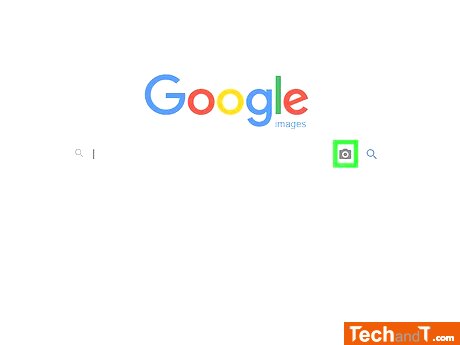
To perform a search using an image, click the Camera button located to the right of the search field.
Step 4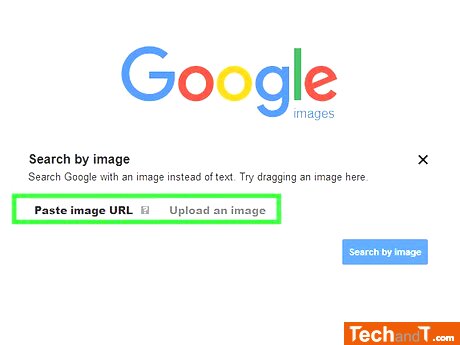
To search by image, you have two options. You can paste the address of the image you want to search for in the Paste image URL field or you can upload the image from your computer using the Upload an image option.
Step 5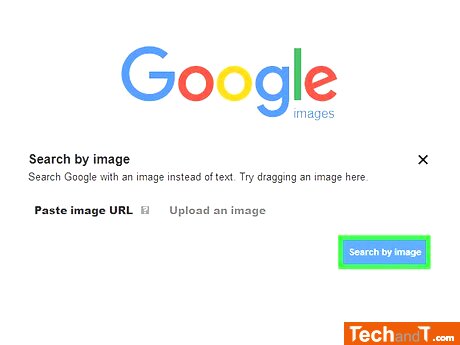
Clicking Search by image will result in a list being displayed. The top of the list will show any other sizes of the image if it is located, followed by webpages where the same image can be found, and then visually similar images are displayed on the first page.
TimeScale:
Approx. Time Required: 10 Minutes