

Enable Private Browsing
Method 1:
Google Chrome internet browser available on desktop computers.Step 1
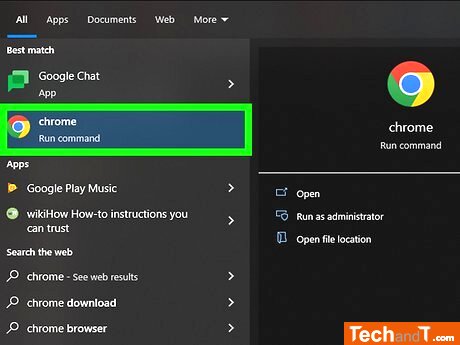
Once the app is downloaded, click or double-click its icon which is in the shape of a dark-colored sphere with red, yellow, green and blue shapes.
Step 2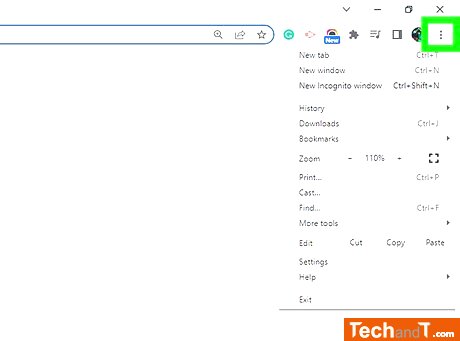
Located in the top right corner of the Chrome window, right below the X is the ⋮ symbol.
Book a service online
Step 3
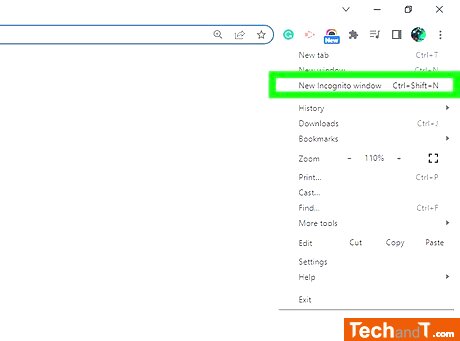
At the top of the drop-down menu, you'll see an option labeled New Incognito Window. Selecting this will open up a Chrome window using incognito mode. Note that if you can't find this option, incognito browsing could be restricted in your browser. Once you're finished using your private browsing session and close the window, any downloads and viewing history will be erased. You can also use the shortcut of CTRL + Shift + N (Windows) or Command + Shift + N (Mac) to start a new incognito window.
TimeScale:
Approx. Time Required: 6 Minutes