

Locate Your Apple ID
Method 1:
The device can be an iPhone, iPad, iPod Touch, or Apple Watch.Step 1
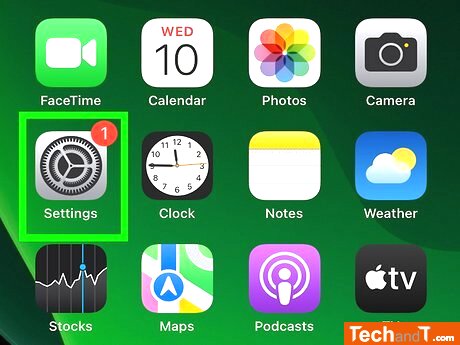
Go to your home screen, locate the gray gear icon, and tap it to open Settings.
Step 2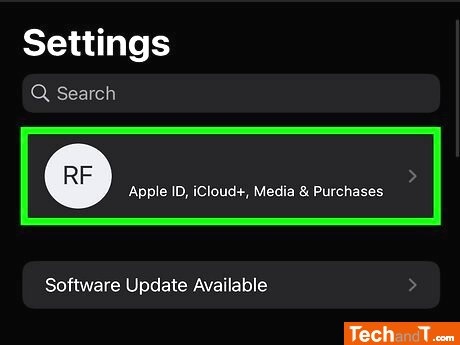
To get to your name, look for the first option in the menu next to your profile picture. If you're not signed in, you'll need to sign in or create an Apple ID.
Book a service online
adverts from google ads will be here
Step 3
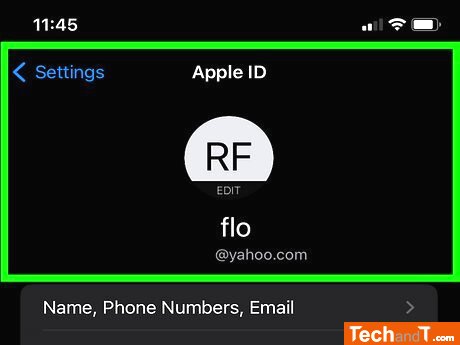
of your Apple ID information. Once logged in, you can view your Apple ID contact details such as the email address or phone number linked to your account.
TimeScale:
Approx. Time Required: 6 Minutes